API integrations
Connect the tools. Delete the copy-paste.
Someone on your team re-types data from one system into another every day. Or a Zap fails silently once a week. A small, well-built integration fixes that.
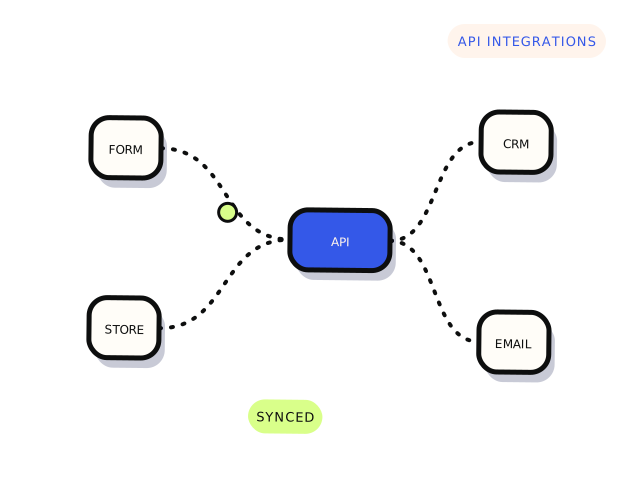
The problem
Most businesses run on five to fifteen tools that do not talk to each other properly. The gaps get filled with spreadsheets, exports and no-code automations that nobody owns.
We scope the integration around one outcome, build it with proper error handling and logging, and document what happens when an API changes.
Sound familiar?
- Website enquiries should land in your CRM with the right fields.
- Stripe payments need to trigger something — an account, an invoice, an email.
- A Zapier or Make workflow has become fragile or expensive.
- Two systems need a scheduled sync.
- You need a webhook endpoint built and monitored.
What you get
- A one-page integration spec agreed before build
- The integration, with retries, logging and failure alerts
- Testing against real sandbox or staging accounts
- Plain-language documentation of what it does and how to turn it off
What this isn’t
- Enterprise middleware or ERP implementations
- Integrations requiring access to production secrets through this website
- Systems you are not authorised to connect
Timeframe
Usually 3–10 business days once API access is confirmed.
Technologies
How the job runs
- 01
Describe what is stuck
Answer a few questions in the scoping agent. It takes about three minutes and turns your answers into a plain-English brief.
- 02
Get a straight answer
Within one business day, a developer replies with a fixed price, a paid diagnostic, one question, or an honest “not us” and a referral.
- 03
We fix it
Work starts when you approve. You get the fix, a short note on what changed and the access handed back.
Scoping agent
Tell us what’s stuck.
Two minutes of guided questions. You get a plain-English brief, and a developer replies within one business day.
- Guided questions, not an AI chatbot
- A person reviews every brief
- Never asks for passwords or keys
No account. No sales script. Never asks for passwords or keys.
Questions
Should this be a Zap or custom code?
If a no-code tool handles it reliably and the volume is low, keep it. We recommend custom code only when it is cheaper to run, easier to debug or more reliable.
What happens when an API changes?
We log failures and alert a named person. The documentation says where the integration lives and how to pause it.
Do you host it?
We deploy to infrastructure you own — your hosting, serverless account or existing platform — so you are never locked to us.