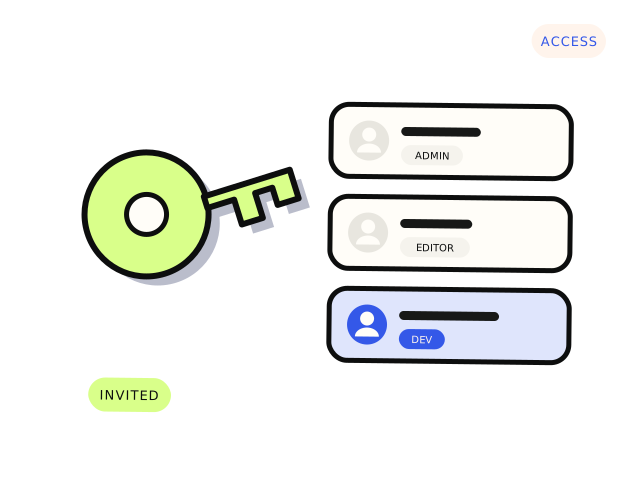
A shared password cannot be traced, cannot be limited and usually never gets changed afterwards. It sits in email threads and chat histories indefinitely. If your developer’s inbox is ever compromised, so is your site. The fix is simple: give each person their own login, with only the access the job needs, and remove it when the job is done.
Platform by platform
WordPress. Under Users, add a new user with the developer’s email. For most fixes they need the Administrator role. For content-only work, Editor is enough. Delete the user, or downgrade them, when the work is finished.
Shopify. Use a collaborator account rather than adding them as staff. The developer requests access from their Shopify Partner account, and you approve it and choose which areas they can see. You can also require a collaborator request code under Settings → Users.
Hosting. Many hosts, including most managed WordPress hosts, let you invite additional users with limited permissions. If yours does not, the developer may only need SFTP or SSH access for one site, which can usually be created separately from your main account.
Code on GitHub, GitLab or Bitbucket. Invite the developer as a collaborator on the specific repository. Never share your own account.
Stripe. Invite them as a team member with a developer or limited role, under Settings → Team. Avoid giving full administrator access unless the job genuinely needs it.
Google Analytics, Search Console and Tag Manager. Each has its own user management. Add the developer’s email with the lowest role that does the job.
Domain and DNS. If your DNS is on Cloudflare or a similar service, invite a member with access to just that domain. Some domain registrars do not support multiple users. In that case, make the DNS change yourself while on a call with the developer, rather than handing over the registrar login.
When there is no invite option
Some older systems only have one login. If you must share a credential, use a password manager that supports secure sharing, such as 1Password or Bitwarden, rather than email or text. Change the password when the work is done.
Secret keys are different
API keys and secret tokens, such as a Stripe secret key or an email provider key, should never be pasted into a chat or email either. A developer should set them directly in your hosting environment, or you can enter them yourself while sharing your screen. If a key has been shared insecurely, rotate it.
Clean up afterwards
When the job is finished, remove or downgrade every account you created. Once a year, look at the user lists on your main platforms and remove anyone who no longer needs access, including past staff and previous developers. It takes ten minutes and closes doors you may have forgotten were open.
The ownership check
While you are in there, confirm the important accounts are actually yours: the domain, the hosting, the store, the code. They should be in the business’s name, on an email address the business controls, with two-factor authentication on. If a past developer or agency still owns any of them, now is the time to sort it out, while everyone is still talking.
Scipio never asks for passwords or keys through this site. Once a job is agreed, we arrange access through invited accounts like the ones above.


